
Design it. Send the link. Let them improve it.
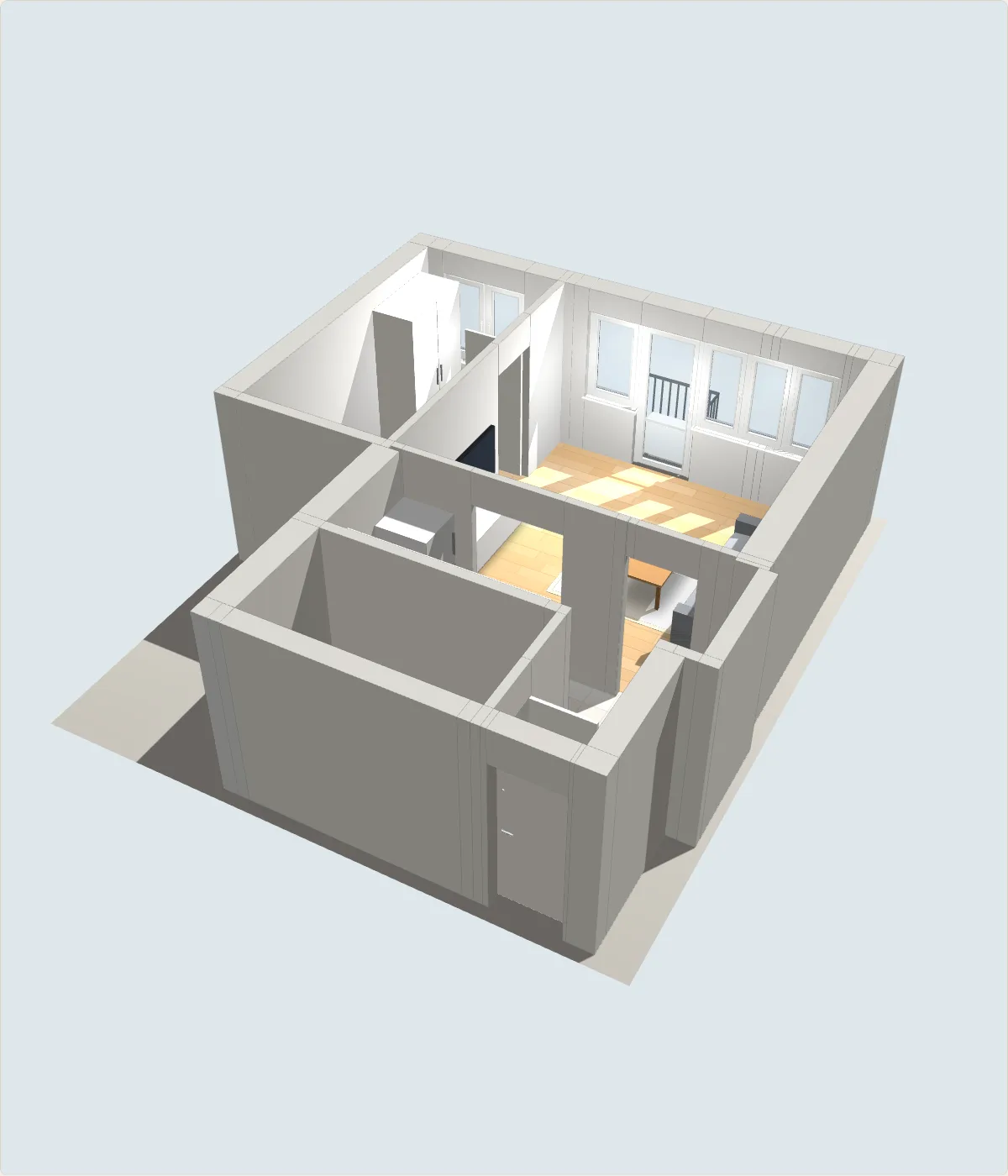
Draw your flat or start from a template. Place furniture with real dimensions, paint the walls, lay the floor and walk through the rooms. The cost estimate adds itself up.
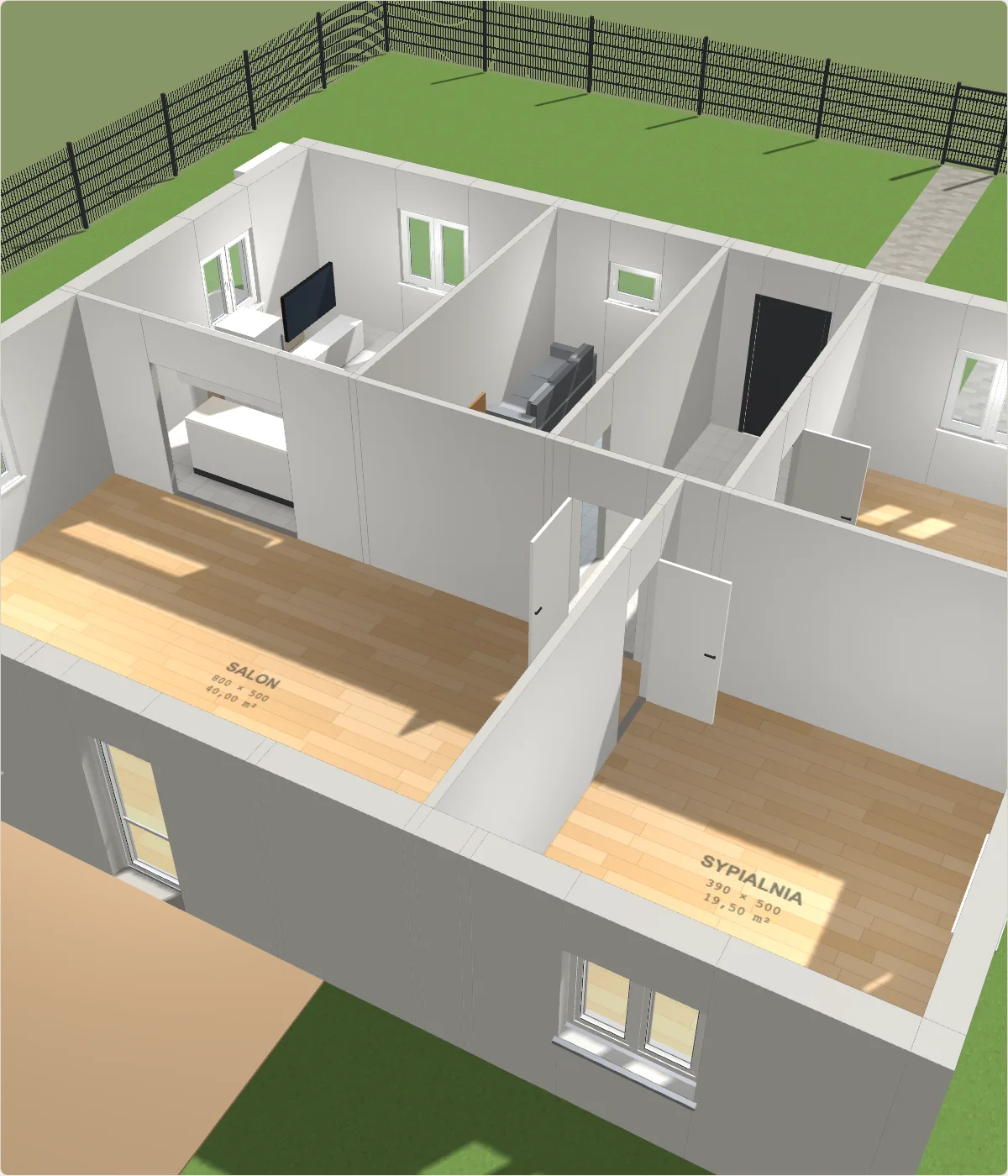
A single-storey house with its plot: fence, gate, driveway, terrace and lawn. The same furniture and materials as for a flat, plus a printable site plan.
Free. On a computer or a phone.
- No account
- Your data stays in your browser
- Share your project by link
How it works
-
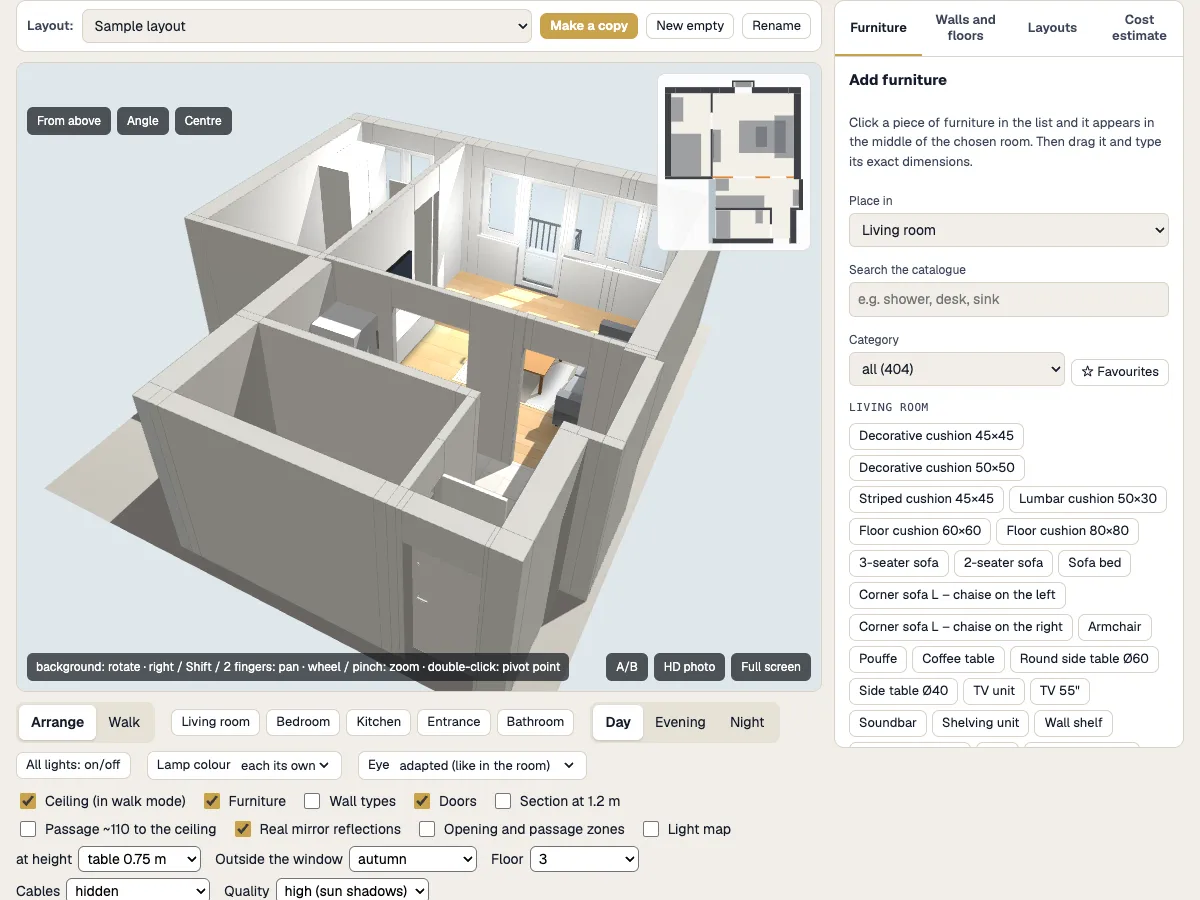
You design on your own device.
Everything happens in the browser. The layout saves itself, on this device.
-
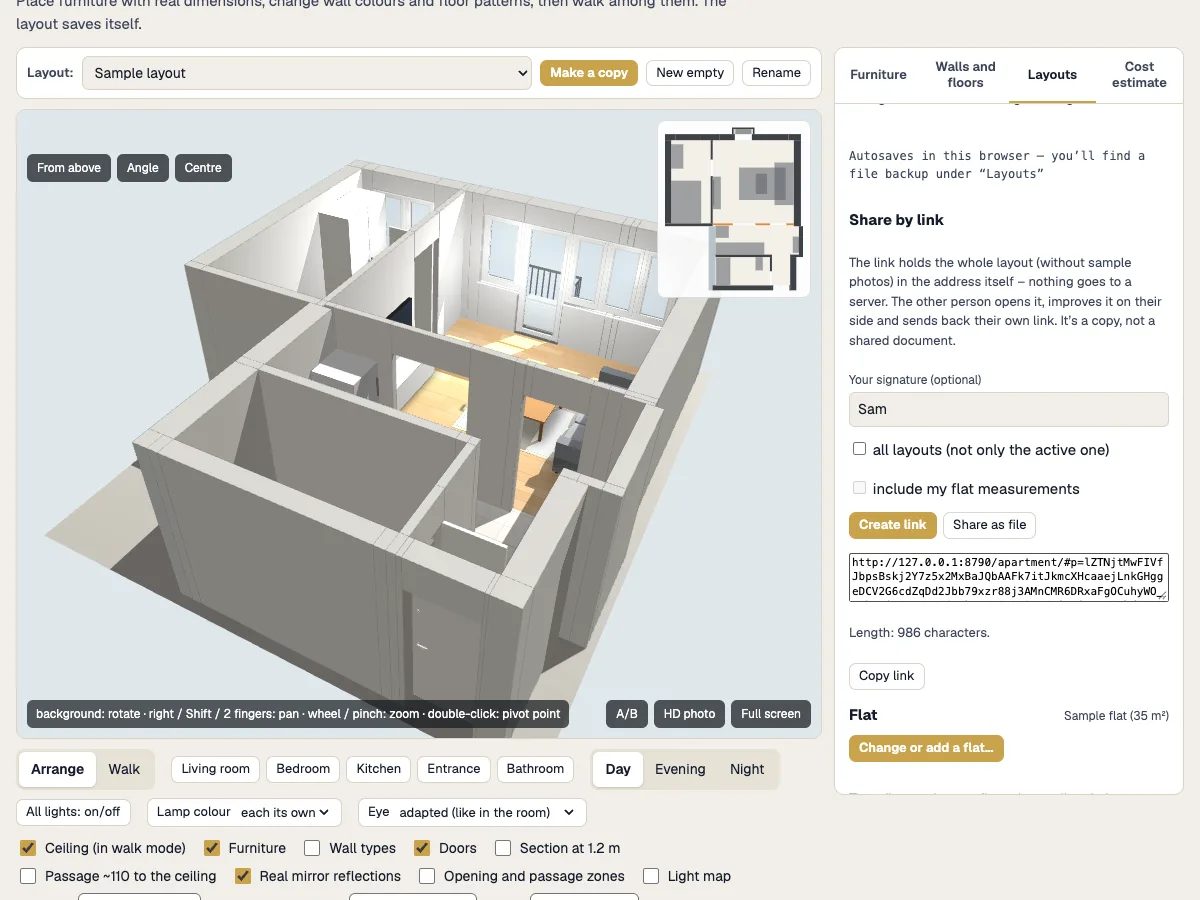
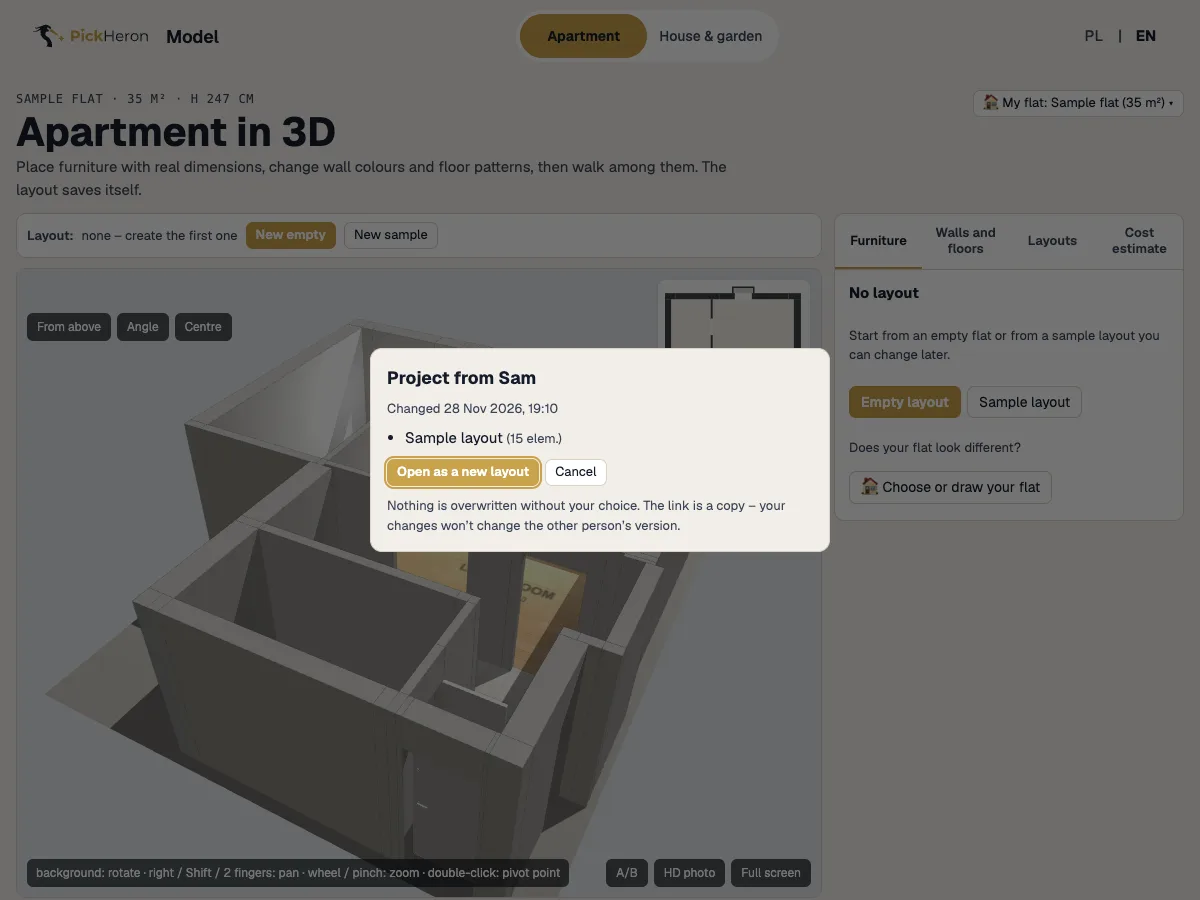
Then you send the link.
The whole project fits in the address. Paste it into Messenger, WhatsApp or an email.
-
They improve it and send theirs back.
The other person opens the link, changes what they like and sends their own back. Your version stays untouched.
Questions
How much does it cost? Nothing. The editor is free and needs no account.
Where are my projects saved? In this browser’s storage, on your device. We don’t send them to any server, and we use no cookies or analytics.
What if I clear my browser data? Your projects go with it. So now and then download a backup file (the Layouts tab) and keep it safe.
How does the project link work? The project is stored in the address itself, after the # sign. Browsers don’t send that part of the address to the server. A very large project is better sent as a file.
Are the apartment and the house two apps? No. It’s one editor with two modes at one address, so all your projects are in one place.
Can I start from a photo of a sketch? Yes. The editor gives you a ready-made text for your AI chat. You send the photo there yourself – we never see it.
Does it work on a phone? Yes, in the browser. Drawing a floor plan is easier on a computer, but you can make changes with your thumb.
Are the dimensions accurate? As accurate as you enter them. The templates are approximate, so check with a tape measure.